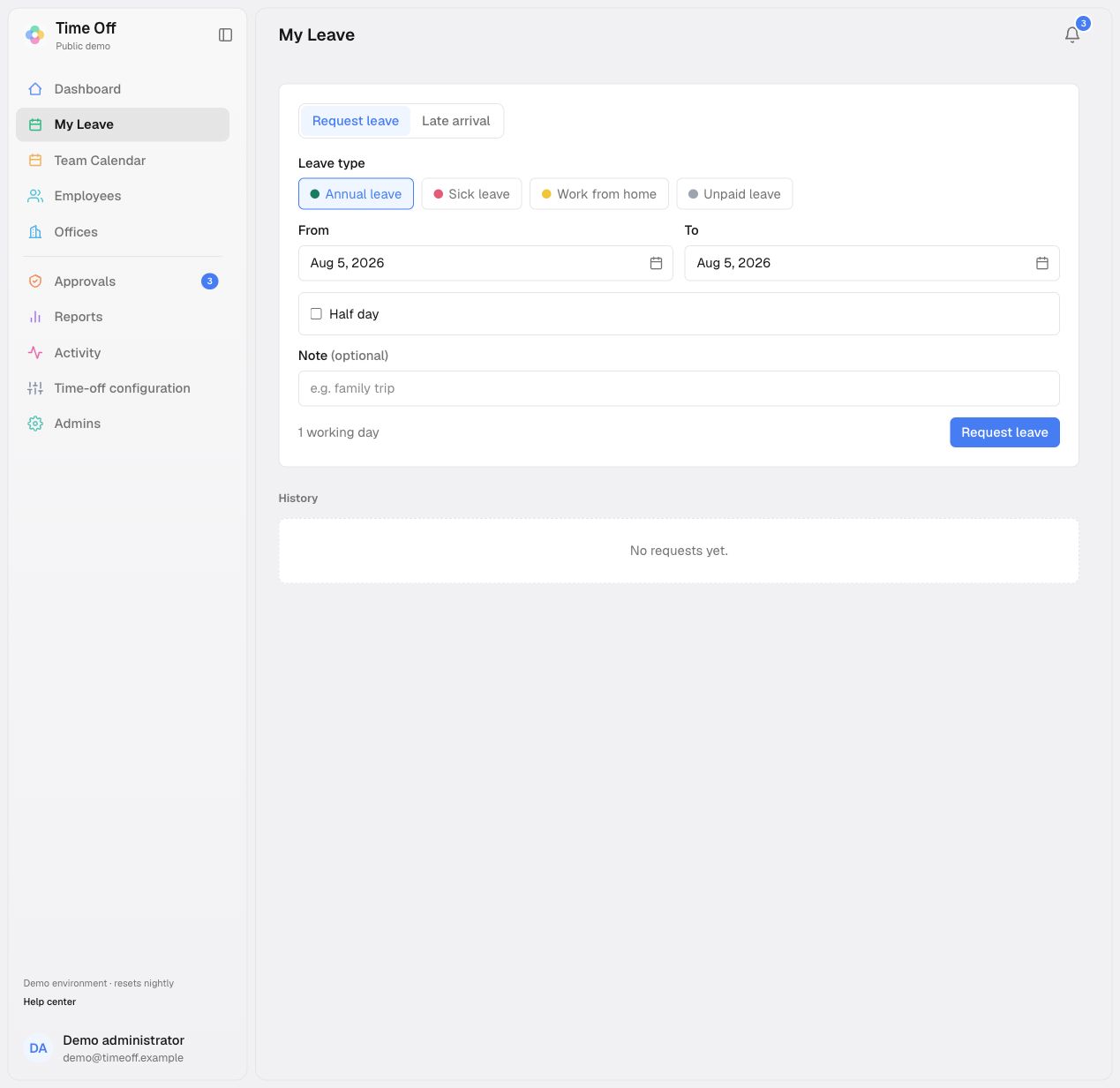
Choose Request leave, then select the leave type and dates. The form counts working days using your country’s working week and public holidays. A single day can be marked as morning or afternoon. On a longer request, the first and last day can each be a half day.Some leave types allow a supporting document. The document is optional even when the field is available.
Your direct manager receives the request. If you do not have one, it goes to your office approver. If neither exists, a superadmin receives it. The request stays Pending until someone approves or declines it.
Approved leave uses an amendment flow. You propose new dates and explain why. The original booking remains approved and stays on the calendar until an approver accepts the change. If they decline it, the original dates remain in force.
Cancel from the request row. The booking leaves the team calendar and its used days are removed from your allowance. Your approver is notified so they know any cover arrangement can be changed.